
QRDude
Use this free software to design your QRD diffuser
QRDude saves you having to get out the calculator to work out the well depth for your diffuser.
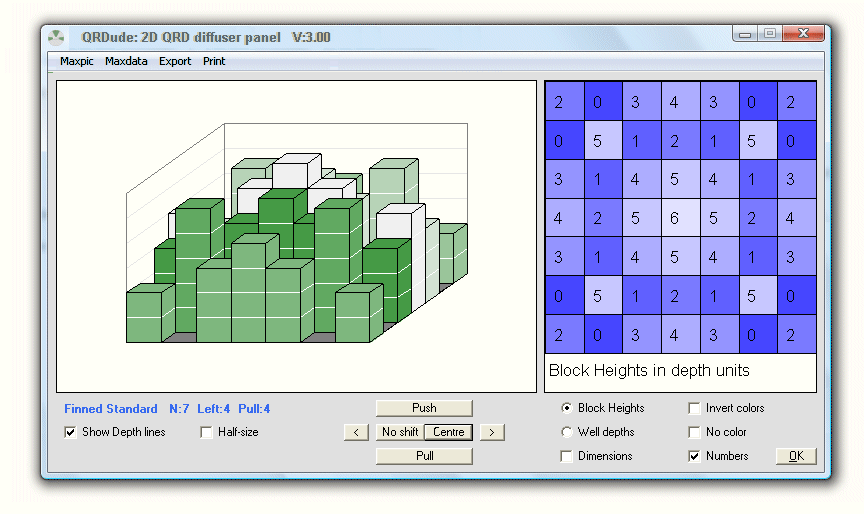
It will design standard and advanced 1D panels, plus 2D panels, in normal and inverse variations.
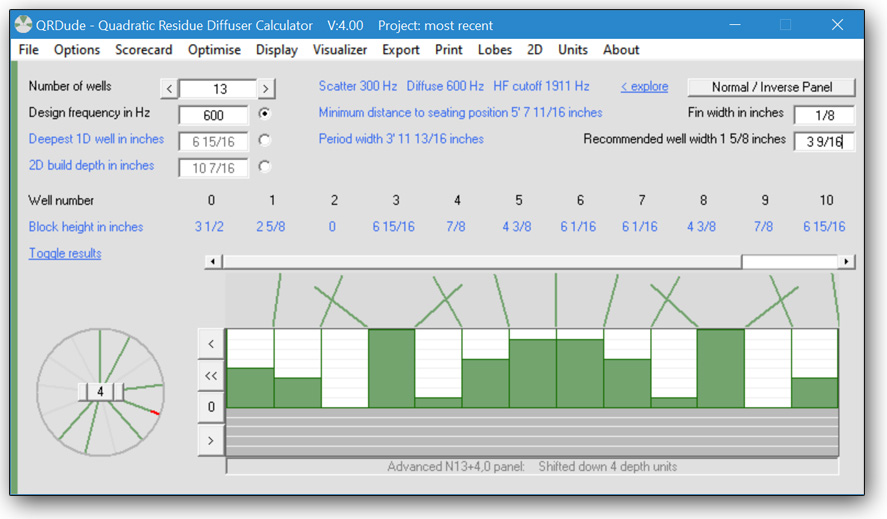
Features of current version - V4.01
- Supports 1D and 2D QRD panels based on prime numbers 3 through to 101
- Calculates inverse panels. 2D inverses in depth-optimised or legacy style
- Auto-calculates well widths based on period width and build depth. May be over-ridden to fine-tune panel width or HF cutoff frequency
- Work in mm, decimal inches or fractional inches to 1/16th inch
- Option to lock build depth and allow design frequency to change as different panels are explored
- Displays period width and build depth (deepest well)
- Displays LF cutoff frequency one octave below lowest diffusion frequency, and displays HF cutoff frequency, where well width equates to half-wavelength
- Advises minimum seating distance based on three times the wavelength of lowest diffusion frequency
- Can display wells as Ratios, Depths, Block heights, or Phase shifts
- Phase wheel shows the phase shifts introduced by the wells at the design frequency
- Visualisation of scattering based on relative well depth either side of fin
- Scorecard screen checks for common problems and lists effective diffusion frequencies
- Supports shifting panel one half well left for symmetrical build when first well is zero-depth
- Advanced mode to find new 1D panels by rotation of phase wheel. Full horizontal shift facility
- Build depth optimiser
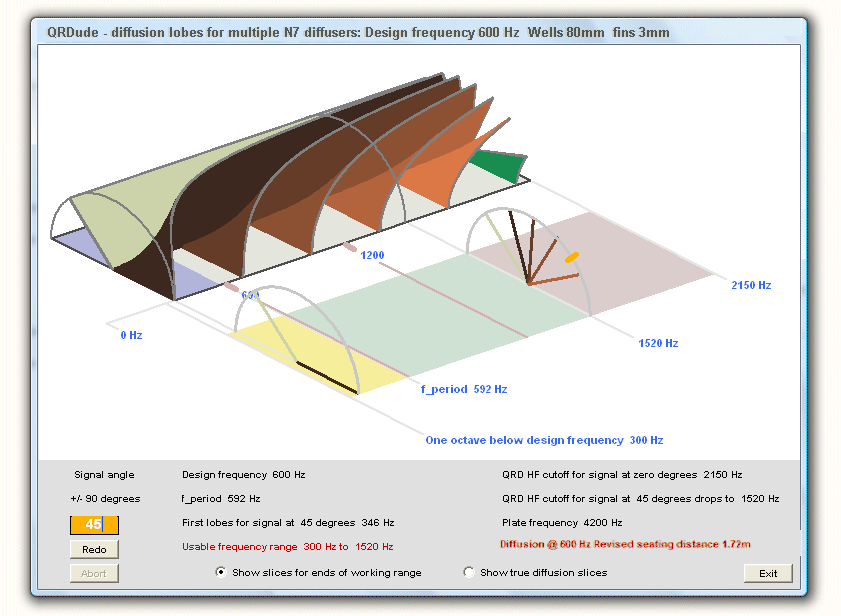
- Usable ranges explorer to see changes to bandwidth due to signal angle
- Lobes screen to see diffusion pattern for multiple 1D panels
- Export 1D results and scorecard to text file report
- Export 2D cut list and weight estimate to text file report
- Copy pictures to clipboard
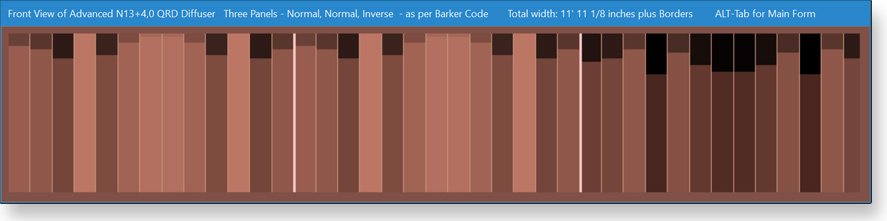
- Resizable Visualiser screen shows realistic front view, up to 3 panels wide
 Version 4.01
QRDude is written in Visual Basic 6 and runs under Windows. It requires a screen width of 1024 pixels or higher
To run this software on an Apple Mac or possibly on Linux, you will need to install the Wine windows compatibility layer
Security information:
Filesize 565,248 bytes
MD5 Hash Code 585B770BCF352C86DECC66D3119EE74C
Hash Code Generator to verify software against this value can be downloaded here
If you find the QRDude software and its supporting documentation useful, please consider buying me a coffee..
Supporting documentation
An illustrated overview of QRD diffusers can be found on the QRD Technical Overview page - it strongly recommended that you read this first.
For detailed instructions on how to use the calculator, see the QRDude User Guide
To see how mine went together, see the Build page
Other free software available on this site
Boxnotes - check your enclosure design for resonances. Print your cutting list
Sonosub - design a cylindrical subwoofer. Check resonances and clearances
Flare-it, - find the correct port flare size to avoid audible turbulence
Subsaver - calculator for finding component values for a 2nd-order high-pass filter